
In today’s fast-moving business world, teams work in meetings more hours than ever. But making notes, capturing action items and keeping everyone aligned can also be time consuming and inefficient. Avoma is an AI-driven meeting assistant and conversation intelligence platform.
Whether you’re in sales, customer success, marketing or internal operations, Avoma automatically records your meetings; takes accurate meeting notes; summarizes the key moments with AI and discovers deep insights from it.
Avoma automates the manual work of note-taking so teams can concentrate on what really matters. This guide covers what Avoma AI does, how much it costs, real use cases. Hopefully you can use this information to decide if Avoma is right for your business in 2025.
Table of Contents
What is Avoma AI (Overview)?
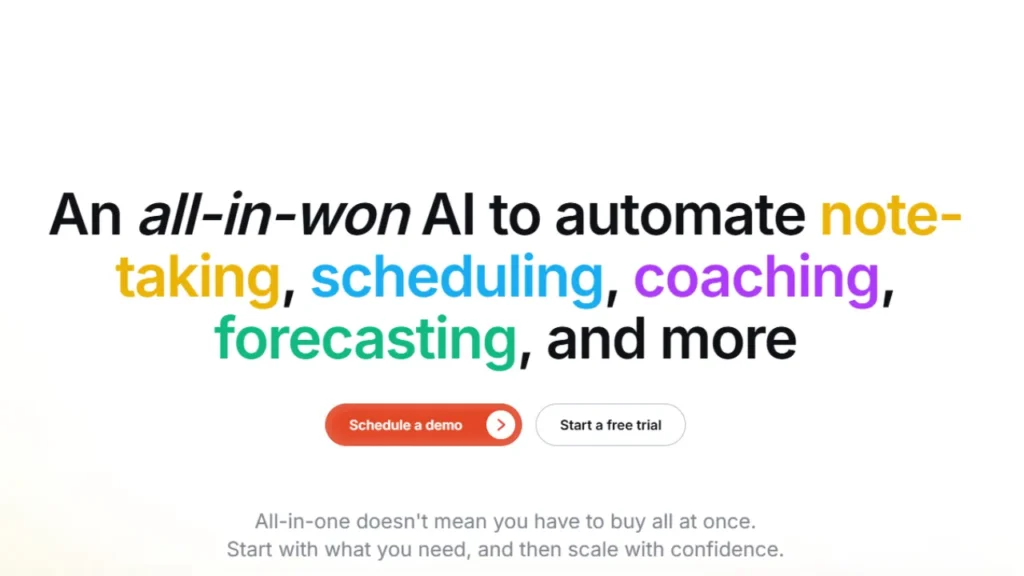
Avoma is the AI-based meeting assistant and conversation intelligence platform that helps teams automate their meeting processes, capture insights, and enhance productivity.
The name “Avoma” actually stands for Automated Meeting Assistant; its purpose is simple: to manage all aspects of a meeting so teams can focus on what matters most. Avoma records your online meetings with high-accuracy transcriptions which are made available in a few minutes.
Avoma AI listens to their conversations, understands the key topics of the discussions happening across engagements, and reveals customer sentiment over time as well as capturing action items so sales teams can take next steps.
Avoma AI is widely used by:
- For deal insights and coaching (sales teams)
- Customer success teams to monitor customer health
- Marketing teams to know what your customers really want
- Recruiting teams for interview documentation
- Internal teams meeting organization and collaboration
With strong CRM integrations and automation for your workflows, Avoma can turn every meeting into clean, actionable data.
Key Features of Avoma
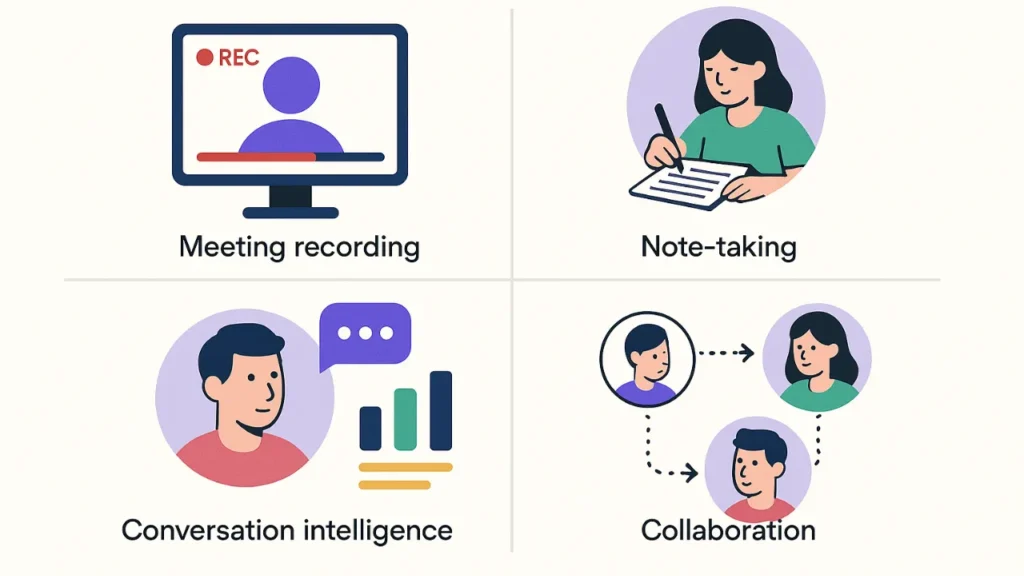
Avoma is a robust AI platform that automates scheduling, enhances team collaboration and delivers real-time conversational analysis.
Here’s a closer look at some of those features:
AI Meeting Assistant
Avoma AI intelligently joins your online meetings in real-time, captures conversation and provides incredibly accurate transcripts.
Key capabilities include:
Auto-Recording & Transcription: Never forget what was discussed again.
Speaker Identification: Identifies who said what during the conversation.
Live Note-Taking: AI takes notes on crucial moments, topics of discussion and decisions in real time.
Conversation Intelligence
This functionality leverages AI to analyze meetings and extract helpful nuggets of knowledge for teams that need to make smarter decisions.
Key benefits:
Keyword & Topic Tracking: Displays how frequently certain topics are mentioned.
Sentiment Analysis: Knows how customers are feeling and acting.
Action Item Extraction: Automatically finds actions items, next steps and commitments.
Call Coaching Insights: Enables sales teams to improve the quality of pitches, talk-to-listen ratio and objection handling.
Collaborative Note-Taking
You can now effortlessly work with your team before, during, and after meetings with Avoma.
Features include:
Pre-Built Templates: Usable-by-all templates for sales calls, interviews, onboarding etc.
Shared Notes: Teams can collaborate and take notes together during the appointment.
Contextual Highlights included: Transcript will highlight important moments in the transcript for you.
CRM Integrations and Workflow Automation
Avoma AI integrates with most of the CRM systems to also eliminate manual data entry.
Supported integrations include:
- HubSpot
- Salesforce
- Pipedrive
- Zoho CRM
Automation features:
- Auto-logging meeting notes
- Syncing transcripts and summaries
- Updating deal stages
- Adding tasks to CRM automatically
Deal and Pipeline Intelligence
Avoma is especially helpful for sales teams with more than one opportunity to manage.
Highlights:
Deal Health Scores: Helps to discover good opportunity fast and stock deals.
Pipelines Trends: Provides an overview of trends in conversation across deals.
Coaching Insights: Recommends needed changes based on past meetings.
Prediction Support: Assists sales leaders in making more accurate revenue forecasts.
AI-Generated Summaries
Avoma AI provides structured summaries automatically after each meeting.
These include:
Short Summary: Brief summary of the important points.
Detailed Summary: Detailed notes, list of attendees and summary points.
Sentiment Indicators: Featured tone shifts and customer sentiment.
Next Step Recommendations: Next step recommendations are follow-ups based on this conversation.
Meeting Scheduling and Agenda Management
Teams can use Avoma AI to organize and plan for meetings more effectively.
Features:
Smart Scheduler: Syncs with your calendar to schedule optimal time slots.
Agenda Templates: Create meeting agendas in advance.
Pre-Meeting Collaboration: Team members can add agenda items in advance of the call.
Searchable Meeting Database
All your meetings are at one place.
You can:
- Search transcripts by keywords
- Jump to particular points in a meeting
- Filter by topic, speaker or emotion
- Schedule meetings by team or project
How Avoma Works?
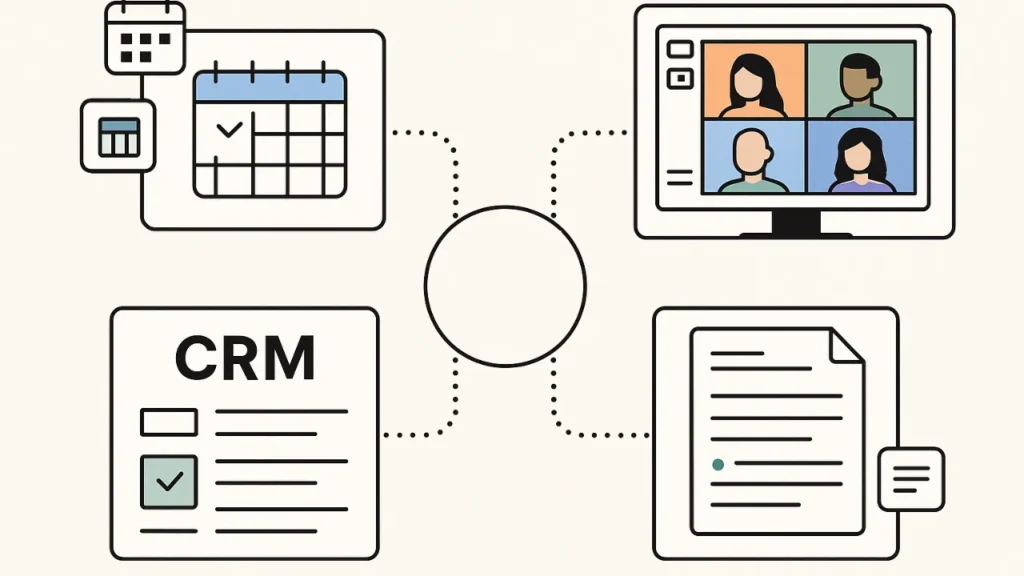
Avoma AI makes every step of the meeting process easier: it handles note-taking, transcribing, and analysis. Here’s how it works, step by step:
Connect your meeting platform: Avoma AI natively works with leading video meeting tools such as Zoom, Microsoft Teams, Google Meet, Webex. After connecting, it is also able to automatically attend the defined meetings and start recording without manual involvement.
Invite Avoma to your meetings: You just have to add Avoma AI as a participant for every meeting. It records the conversation while remaining unobtrusive, capturing audio for transcription and analysis.
Automatic recording and transcription: Avoma AI records all your meetings with crystal clear audio. It does a live or after-the-meeting transcription of the conversation. Speakers are automatically identified, so you can easily see who said what.
AI-powered analysis: The meeting transcript is analyzed by the AI engine further to determine:
- Key discussion topics
- Action items and follow-ups
- Customer sentiment and tone
- Sales insights and deal signals
Generate summaries: After the meeting, Avoma AI auto-generates structured summaries with AI:
Short Summary: A brief summary to help you immediately grasp the content.
Full Summary: Detailed explanation of what was discussed, decided and action points.
What’s Next: Suggested follow-up and action items.
Sync data to CRM and team tools: Avoma AI connects to CRM systems such as Salesforce, HubSpot, Pipedrive and Zoho. Calls are recorded in the CRM, with transcripts, highlights and to-dos. Team collaboration tools such as Slack or Notion can also be integrated to sync updates for easy workflow.
Search and review past meetings: Everything that has been recorded is stored in an easily searchable central database. Teams can search on the basis of keywords, topics, speakers or even sentiment. Jump to precise points in a meeting to rapidly scan for key details.
Avoma Pricing (2025 Updated)
Here’s a breakdown of how Avoma is priced in 2025.
| Plan / Add‑on | Price (per user/month) | What’s Included |
| Startup / AI Meeting Assistant (base) | ≈ $19 /user/month (if billed annually) | Core meeting‑management features: unlimited meeting recording, real‑time transcription (70+ languages), AI‑generated notes and summaries, calendar & scheduling automation, CRM & dialer integration, basic 1:1 scheduling, unlimited view-only seats for collaborators. |
| Organization Plan (for larger/growing teams) | ≈ $39 /user/month (annual billing) | All organization features + advanced enterprise‑grade functions: enhanced security and compliance (e.g. SSO, custom data retention, HIPAA where needed), dedicated support/onboarding, admin controls, larger seat capacity. |
| Optional Add‑ons (for Recorder Users only) | Conversation Intelligence or Revenue Intelligence: ≈ $29 /seat/month Lead Router / other automation add‑ons: similar per‑seat pricing | Add‑ons let certain users (e.g. sales, customer success) unlock advanced capabilities like AI‑driven call scoring and coaching, deal‑health/risk analysis, automated CRM updates, pipeline & forecasting insights, advanced lead routing. |
Prices vary slightly depending on whether you pay monthly or commit annually (annual billing usually offers a discount).
Avoma Use Cases
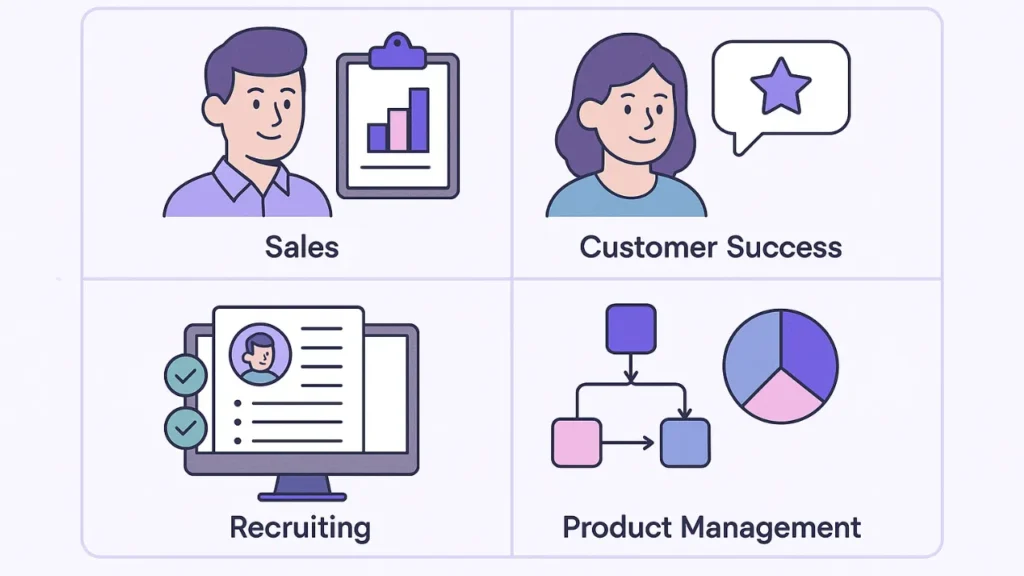
Avoma is an AI meeting assistant and conversation intelligence tool that is used in various industries and across different team types. Here are the main use cases:
Sales Teams
Avoma AI transcribes sales calls and surfaces insights on talk-to-listen ratio, objection handling, and deal progress. Tracks deal health and helps to prioritize follow ups.
Generates meeting notes and next-step recommendations for the sales representative, which otherwise has to be performed manually.
Customer Success Teams
Detects possible indications of client churn from the conversations. Documents all client encounters in their permanent record to be used for future reference.
Shared notes help several CSMs remain aligned on the needs of clients and what actions we need to take.
Marketing Teams
Transcribe your customer interviews and focus groups to easily analyze them. Helps to organize your various talking points, decisions, and follow-ups.
Extracts general customer complaints and trends to provide superior marketing.
Recruitment Teams
Logs and transcribes candidate interviews for quick evaluation or comparison. Hiring managers can read shared transcripts and summaries.
Showcases candidate strengths, weaknesses and highlights.
Internal Team Meetings
Records decisions, to-dos and action items across team meetings. Keeps a searchable archive of every internal discussion.
Members new to the team can quickly catch up by reading summaries of previous meetings.
Training and Coaching
Managers can listen to calls and coach in response to real interactions. Leverage AI intelligence to uncover areas for skill improvement.
Track progress over time through conversation intelligence analytics.
Conclusion: Avoma Review 2025
Avoma AI might be worth an investment for the right kind of user or team. But the “worth it” part is highly relative to your needs, team size and expectations. Here’s how I see it, according to what reviewers and users emphasize.
If I were you and I led a small or mid‑size team that conducted regular online meetings, sales calls, client meetings or required meeting documentation and follow‑ups I’d give Avoma a try.
If, instead, I’m one person or a small startup with occasional meetings and little requirement for deep analysis perhaps I would seek out an easier (and cheaper) note‑taking / transcription option.
Read Also:
ChatGPT Midjourney Prompt Formula


