

LTX Studio is one of the most talked about AI video creation tools. Other traditional editors or your basic AI generators won’t be able to help you make a complete cinematic videos with just your ideas, prompts, or scripts.
As a YouTuber, marketer, videographer, educator or anyone with content and ideas to share, LTX Studio makes it easy for you to create professional-level videos.
In this review, we’ll be covering what LTX Studio is, how it functions, key features, pricing structures, but most importantly whether or not you should actually be using it in 2025.
Table of Contents
What Is LTX Studio?
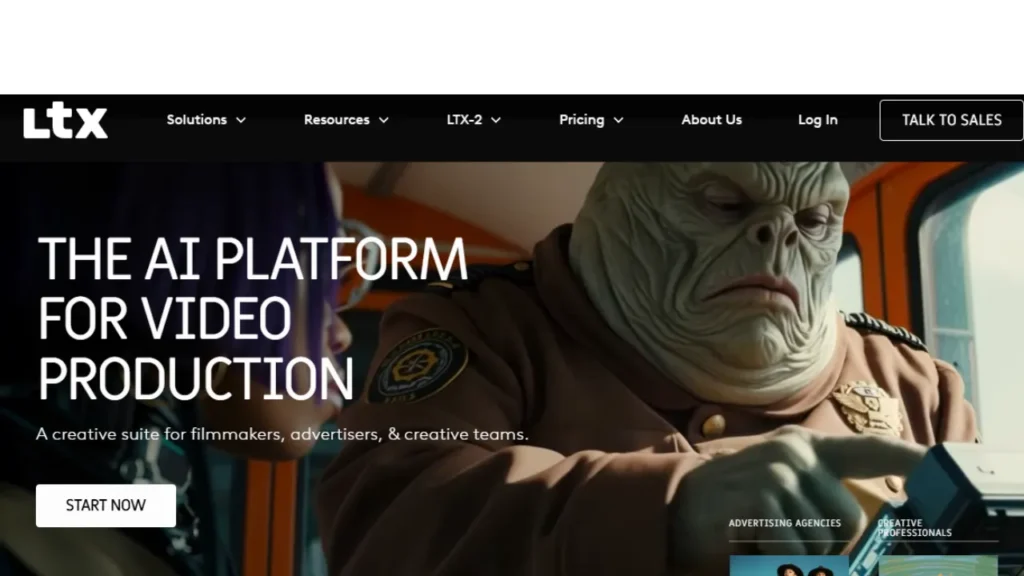
LTX Studio is an AI-powered tool that enables users to seamlessly convert concepts, scripts or just basic textual prompts into complete videos, storyboards and visual assets. It integrates many aspects of filmmaking in a one-place setup.
You can input from a text prompt or full script, an image (or reference), or even upload an existing video. LTX process this into images or videos. Unlike simple “text-to-video” tools, LTX allows fine-grained control: You choose the camera angles, scene layout, lighting, character and object design, pacing and much more.
It provides storyboarding, asset creation, animation, editing, timeline and final exporting and enables creators, content developers, filmmakers, advertisers, and anyone else to complete their entire project without having to move from one application to another.
How LTX Studio Works (Step-by-Step)
LTX Studio is designed so that even novices can create a video without any hassle. You don’t need to have editing skills or know anything about filmmaking. All the labor is done for you by the platform.
It works like this in more detail:
Enter your idea or prompt: You begin by entering a basic prompt, which tells what sort of video you’re hoping for. You are invited to upload script, images characters references and sample videos. LTX Studio uses this to visualize your ideas.
LTX generates storyboards and scenes: When you submit your prompt, the AI instantly generates storyboards, scene breakdowns, camera framing and visual concepts. This is essentially a pre-production phase where your idea turns into a solid visual plan.
Customize characters, environments, and props: There is nothing that you cannot edit in the scenes within your generated clips, background, characters, and even text (outfit or poses can change at any time without having to start from scratch). That gives you full creative control over every shot.
Edit camera angles and movements: LTX Studio allows you to edit shots like a real film director would to pan, zoom and even follow for tracking shot when things happen in front of your camera. This is what transforms basic AI footage into cinematic storytelling.
Fine-tune the timeline: You can order scenes in a timeline.
- Drag and drop scenes
- Cut and trim clips
- Add transitions
- Adjust pacing and timing
It is one thing that shapes the final flow of the video.
Add dialogue, voiceovers, and audio: The tool provides full-service voiceovers, the development of characters and scripts, musical composition and sound effects. Voices, tones and styles fitting the scene can be selected.
Render and export your final video: With the video in good shape, you can choose output quality, render your final version and either download or share. LTX Studio produces a glossy video, ready for use on YouTube, social media, ads or any platform.
Key Features of LTX Studio
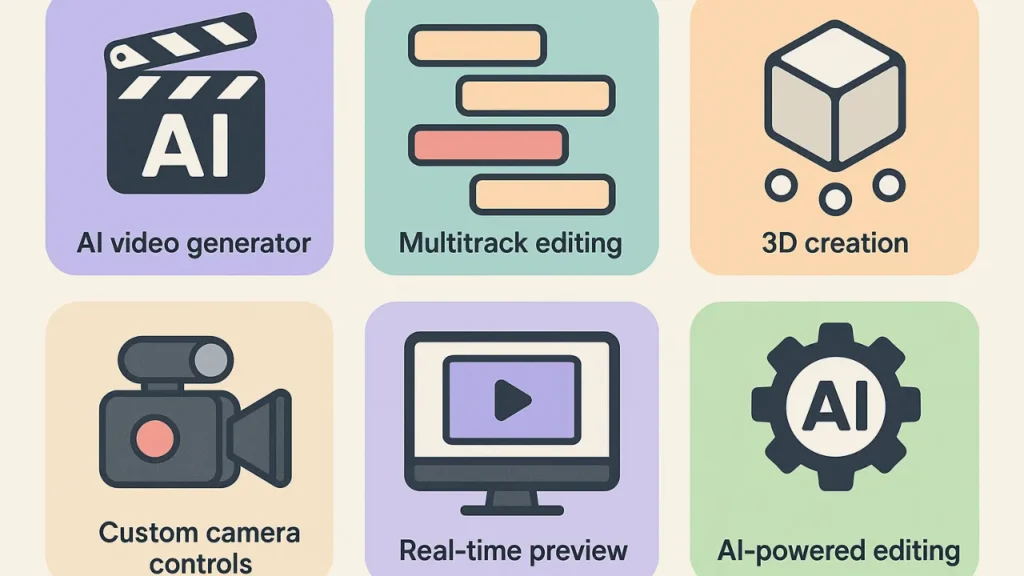
Here are the major features that make LTX Studio a powerful, all-in-one AI video production tool.
Full-Suite Production Workspace
LTX Studio is a full-stack production studio that integrates all aspects of creating video onto one platform. From brainstorm, script input, storyboard and setup scenes to editing, timeline management, finishing and export LTX Studio enables its users to finish an entire project without ever having to leave their preferred tool.
This end-to-end philosophy is particularly beneficial for creators seeking to save time and ensure consistency when it comes to working on multiple projects.
LTX Studio is ideal for everyone from beginners to professionals, this workspace combines all the creative assets of the video production process in one place so you can turn your story ideas into videos faster.
AI-Powered Text, Script, and Image to Video
Among the standout features of LTX Studio is its AI-based text, script and image-to-natively-created-video-units, or storyboard conversion. Users can type in a basic prompt, an entire script, or even upload visual references and LTX creates cinematic visuals based on that input.
This allows creators to save time in planning and making videos, which can be helpful for creators who don’t possess professional video editing or animation skills. It also means you can quickly prototype ideas prior to going into full production.
Advanced Character Creation with Consistency
With LTX Studio, you can build AI-generated characters that remain consistent in multiple scenes. It allows users to create avatars with certain looks, clothes, expressions and movements and then reuse them in other shots for visual continuity.
LTX is especially great for storytelling, brand videos and animated content where you need the same cool characters to keep consistent styling. Fine tuning the movement and expression to fit the mood of a scene is enabled by the tool, which provides users with near-directorial control.
This is a really cool little feature as far as AI video goes and I haven’t seen any AI video tool that has the ability to ensure your characters look consistent in design & movement.
Cinematic Camera and Shot Control
LTX Studio allows creators to have total control of camera angles, movement and framing. You can have pans, zooms, follow shots and focal shifts like a professional filmmaker. This directorial control lets creatives elevate storytelling by focusing on action, emotion or environment in every shot.
It also encourages the use of varied visuals styles and angles that help viewers to engage with their content on a different level. This feature unlocks unprecedented creative power for artists who create professional level videos but don’t want to waste any time learning complex video-making skills.
Timeline Editing and Post-Production Tools
LTX Studio has a timeline-based editor to organize shots together, pare down clips and control pacing. Creators have the ability to throw in transitions, effects and scene overlays, or mix in AI-generated voiceovers with music or sound effects.
This post-production toolkit ensures that the final video is polished and professional. LTX Studio keeps the workflow unified, making it easier to make last-minute changes or fine-tune sequences. It’s ideal for YouTubers, marketers, or storytellers who want high-quality output efficiently.
Style and Visual Consistency
LTX Studio include style presets, as well as AI-guided visual consistency across shots, to help creators achieve a consistent look for their video. Artists are able to select cinematic, cartoon, sketch or other art style effects and have them apply to characters, scenery and lighting.
This AI technology takes care to keep these styles consistent in any situation, which is crucial when it comes to branding, storytelling and professional presentations. Reproducing the same look for visuals manually can be tedious, LTX Studio will take care of this for you automatically.
Cloud-Based Collaboration and Accessibility
All LTX Studio projects are cloud-based, so users can retrieve their work from any device with internet connection. That allows for real-time teamwork between your team, clients and partners where you can share updates, see progress and get feedback.
Projects are also safeguarded against local hardware failures by using cloud storage. This makes it incredibly easy for agencies, teams or individual content creators to collaborate, making the production workflow smooth.
Flexible Export Options and Pitch Deck Generation
LTX Studio has several export formats that lets users generate videos for YouTube, social media, marketing campaigns or client presentations. LTX Studio is ideal for professionals presenting ideas to clients or partners.
LTX Studio Pricing (2025 Updated)
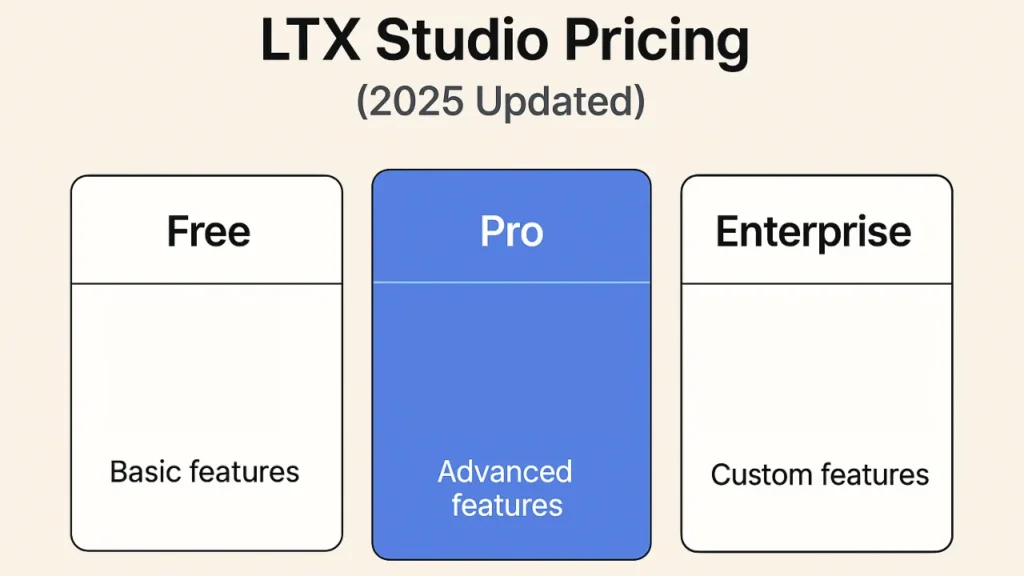
LTX Studio provides multiple tiers of pricing to suit varying requirements.
The Free plan is for $0, it provides 800 credits to users for AI video and image generation at the standard level. It’s perfect for personal experimentation, hobby projects or to understand LTX Studio, but is not licensed for commercial use.
The Lite plan offering costs about $15 a month (or roughly $12 a month for annual billing). It comes with 8,000–8,640 credits per month and offers more advanced video/image creation, basic editing tools as well as the main camera/scene controls. This is the plan for active hobbyists and personal project creators.
You are looking at about $35 per month (or a discounted $28/month when prepaid annually) for the Standard plan. It provides 28,000–28,800 credits each month, premium video models, multiple trained AI characters and the possibility to employ outputs for commercial projects. It also features pitch deck generation, which is great for freelancers or small agencies who require pro-level output but don’t wish to opt for the Pro plan.
The Pro plan runs for about $125 a month (or the equivalent of $100 per month when billed annually), and is ideal for heavier users. This level provides 90,000 to 110,000 credits a month, unlimited trained actors, access to LTX state-of-the-art video models, team collaboration tools and full commercial licensing. It’s specifically geared toward agencies, studios and creators making high volume professional content on a regular basis.
Enterprise plans are custom priced depending on the number of users and specific demands a large team, organization or company has. They offer high volume resources, custom support, advanced privacy features and even the opportunity of training your own model. Enterprise plans are extremely useful for studios and large companies managing very complex projects.
Final Verdict — Is LTX Studio Worth It?
LTX Studio can be worth it but only for certain people and use cases. It is a serious and audacious AI‑powered video tool that does provide true value but requires trade‑offs you accept.
My judgment: LTX Studio is worth it but only if you consider it a creative helper rather than a total video‑production substitute. It’s great for ideation, short form projects, or experimental content; it’s not mature enough to fully replace traditional video editing/video making in several professional use cases.
Read Also:
How to Do Keyword Research with ChatGPT Prompt?


